How to Manage a Guest List Without Endless Messages
How to send invitations, collect RSVPs and track changes without a fifty-person chat or a spreadsheet you update by hand.
- Published on
- May 25, 2026
-
6 min read
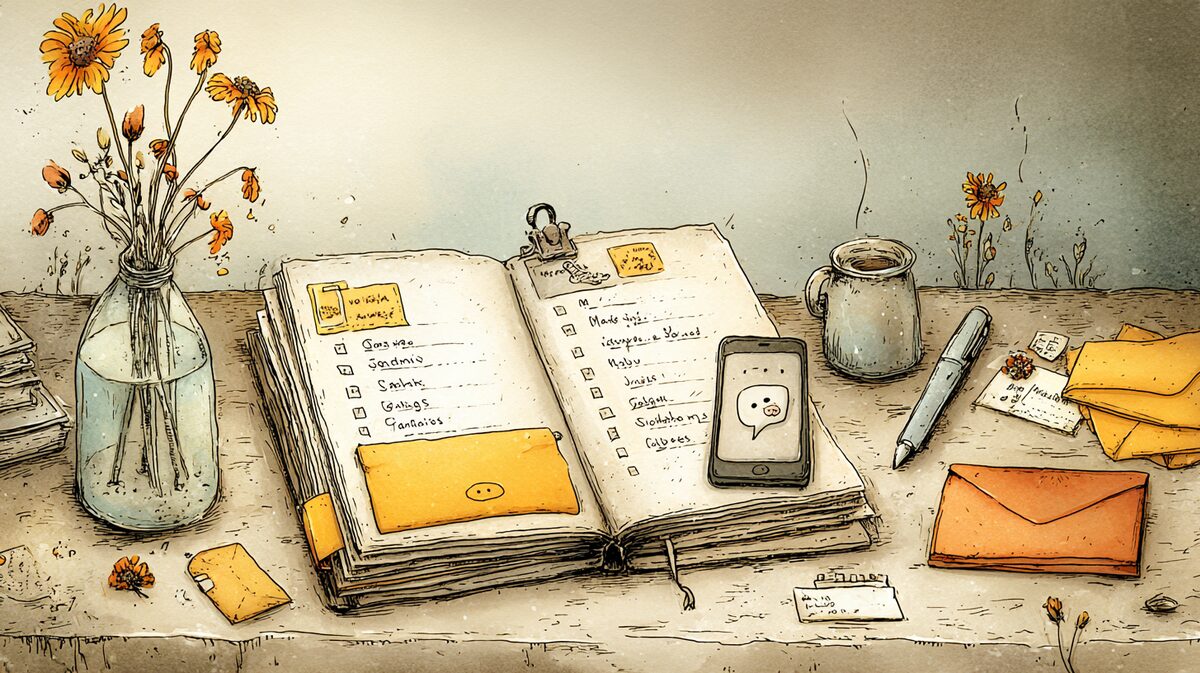
There is a point in planning any event when you start losing track of who said what. Your aunt wrote in the family chat that she might come. A colleague replied to a story. A friend told you on the phone she will bring her sister. Somewhere in the middle of that, you need to call the restaurant and give a number.
A guest list is simple until it passes twenty people. After that, every message, reply and change starts to matter. Here is how to manage it more calmly, from the first draft to the morning of the event, without a fifty-person chat or a spreadsheet you update by hand.
Why group chats are bad guest lists
The first instinct is often to open a group chat and post the invitation there. It looks practical: everyone sees everything, nobody is forgotten, done. The problems come later.
First, the invitation disappears. One person writes "I'm coming", two reply with emoji, three say "I'll check", and half an hour later the conversation has moved to concert tickets or photos from another topic. When you try to count who confirmed, you scroll through 200 messages and still miss someone.
Second, every guest sees everyone else's answer. That changes behavior. If ten people are silent, another person delays answering. If one person writes that they cannot come, a few others suddenly "need to check". Group psychology works against you.
Third, some guests are not in the chat at all. A grandparent, a colleague who does not use the same app, a child without a phone. Now half your information is in the group and half is in your head.
Start with a draft, then clean it up
Before inviting anyone, write down every name that comes to mind. Do not edit yet. Do not think about capacity. The point is to see the natural shape of the event.
Then divide the list into three groups: essential guests, guests you would really like to invite, and guests who would be nice to include if there is room. These groups do not have the same priority and do not have to be invited at the same time.
This takes about twenty minutes and saves weeks of hesitation. You see the real size of the event on paper, not the imaginary version in your head.
Invite in waves
Instead of sending every invitation at once, send them in waves. The first goes to the closest people: family, best friends, the people without whom the event does not feel right. Ask them early and personally.
The second wave goes to everyone else, usually around a month before the event. For a large wedding or milestone birthday, keep a small reserve list too. It sounds cold until eight people cancel two weeks before an event and you have paid places to fill.
Keep the invitation in one place
If you invite more than fifteen people, separate the invitation from the conversation. The invitation is the document: date, time, place, RSVP deadline. Conversations can happen anywhere, but the answers should not.
A digital invitation with RSVP buttons does this for you. Each guest sees the invitation and chooses "coming" or "can't come". You open one screen and see the status. No copying from chats, no spreadsheet cleanup, no calls to someone who never writes back in the group.
If you use paper or a normal message, at least choose one specific RSVP channel: "Please text me by May 15." The mistake is leaving guests to decide how to reply. Then answers scatter across messages, calls, comments and hallway conversations.
The RSVP deadline is for you
The deadline is not there because you like rules. It is there because the venue needs a number, the caterer needs a number, and you need time to chase the people who forgot.
A reasonable deadline is two to three weeks before the event. It is close enough that guests know their plans, and early enough that you still have a buffer.
After the deadline, do not assume silence means yes or no. Ask. A short message solves it: "Hi, just checking whether you can make it. I need to confirm numbers with the venue."
Reminder without pressure
A week before the RSVP deadline, there will always be people who have not answered. Most of them are not ignoring you. They opened the invitation, thought "I need to reply", got distracted and forgot.
The tone matters. "Hi, just checking whether you saw the birthday invitation. No pressure, I am collecting numbers for the restaurant" works. "Why haven't you answered?" does not. The goal is not guilt. The goal is clarity.
If you use a digital invitation, reminders can go only to people who have not replied, without bothering everyone else.
Plus-ones, children and dietary needs
These three things complicate guest lists more than almost anything else, and all three are easier when they are clear in the invitation.
For plus-ones, use a personalized invitation: "Maria Petrova + guest" or "The Petrovi family". If you do not clarify, guests decide for themselves, usually in the direction that creates more work for you.
For children, say whether they are welcome. "Children are welcome" and "The dinner will be adults only" are both better than silence.
For allergies and dietary preferences, ask during the RSVP. A simple field in a digital invitation collects the information without a separate conversation.
Last-minute changes
Something will change in the final five days. Someone gets sick. Someone asks to bring a guest. Someone remembers a conflict. This is normal when many people are involved.
Decide how often you will update the list. If you reopen it every time your phone buzzes, the last week will drain you. Morning and evening is enough for most events.
The day before, give the venue the final number and then stop treating every change as a crisis. If an unconfirmed guest appears, you will find a chair. If someone does not come, there will be an empty place. These are not disasters, even if they feel large in the moment.
On the day of the event
On the day itself, the guest list is no longer for planning. It is for welcoming. If there is a seating plan, someone at the entrance, or simply a need to know who has arrived, keep the list close.
For a wedding or larger event, let someone else handle this: a friend, coordinator or family member. For smaller events, a list on your phone is enough.
When events repeat
If you organize several events a year, the same names come back: kids' birthdays, christenings, milestone birthdays, family dinners. Keep one shared contact list that is not tied to a single event. The second or third time you invite the same circle, it saves half the work.
Final thought
You do not need a complicated system. You need one place for the invitation, one clear way to reply and the discipline not to manage fifty people through a chat thread.
Most guests want to come. If they do not answer on time, it is usually because they have their own busy life, not because they do not care. Make the reply easy and spare yourself the scroll through a thousand messages.
If you want to send the invitation from one place and see RSVPs automatically, without a chat or spreadsheet, you can start for free in Nestful.